Find answers fast and get back to work
From finding and joining groups to reaching your audience, here are step-by-step guides and risk notes for TGEgg's most-used features.
AI completes join verification for you
Learn how image puzzles, math questions, follow-the-channel checks and other verification types are handled, plus how the automation works and where its safety limits are.
Read the full guide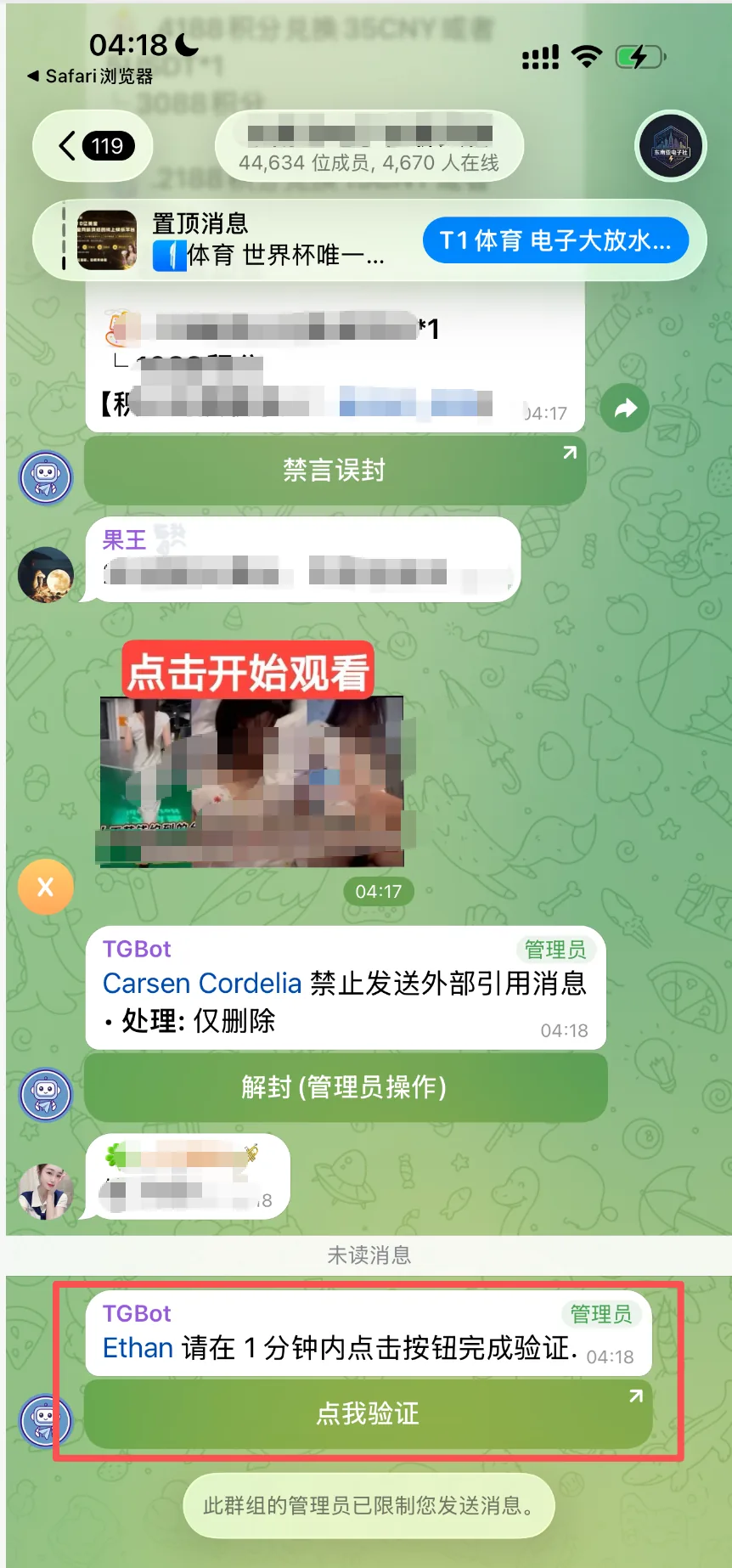
Beginner FAQ
From how many accounts you need, finding and joining groups, to bulk tasks, AI and proxies: clear up the most common points of confusion first.
Join groups and send your first broadcast in 3 steps
Log in to an account, join groups from the group library, then create a broadcast task and set the send intervals.
First time here25 questions new users ask most
Ordered the way you'll actually use the product, each with a short answer and a link to the next step.
Proxy setupHow to add and test a proxy
Copy a SOCKS5 address, then parse it, save it and confirm the connection works in TGEgg.
Visitor botsHow to create a bot and turn on Guest Chat Mode
Create a bot with BotFather, copy its token, then turn on Guest Chat Mode.
AI setup
Create an API key on a model platform and connect it to TGEgg.
Finding & collecting groups
Choose the right collection method to avoid empty results and account restrictions.
Why Chinese keywords don't find any groups
Understand Telegram's search limits and two alternatives: the bot assistant and member bio mining.
Member biosHow to use member bio mining
Discover public group links in group members' bios while keeping the collection pace under control.
Messaging
Pick the right targets and understand task pacing to keep your broadcasts stable.
Group broadcasts: what to watch out for, and tips that work
Reduce the risks of pushy links, duplicate content and sending too often.
Data dictionaryHow to make every broadcast say something different
Create several entries and use a data dictionary variable in your broadcast content.
Bulk DMsChoosing between the four target sources
Understand the difference between usernames, phone numbers, member lists and existing private chats.
PostBot postsHow to make a post with images and buttons
Create a post, add text and buttons, then paste the post code into a broadcast task.
Joining groups & restrictions
Understand Telegram's official limits and tell whether a task is still running.
Why each round only invites a few people
Recognize Peer Flood restrictions and cooldowns, and recover from them safely.
Didn't find what you need?
After logging in, you can see task details and specific error messages inside the product.